1
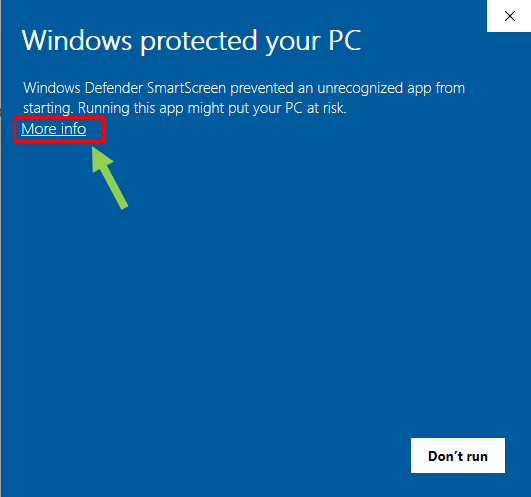
Click More info
This reveals the option to continue with the installer.
A Windows desktop app for bookshops and print shops to download and print files received via WhatsApp.
 BIZ Software Solutions
Follow these five quick steps to print WhatsApp chats.
Follow these quick steps to continue installing safely.
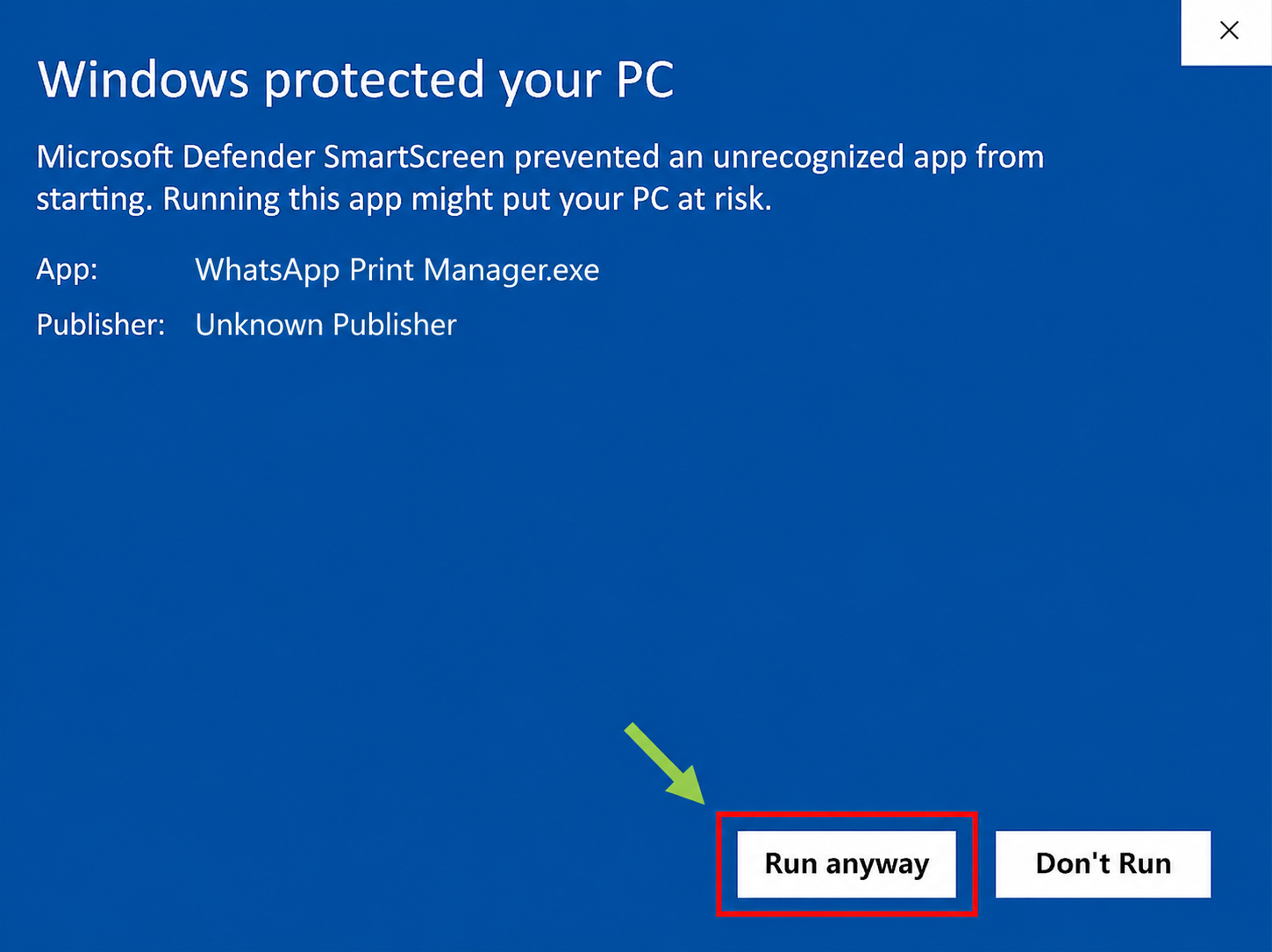
This reveals the option to continue with the installer.
Choose Run anyway to start WhatsApp Print Manager.
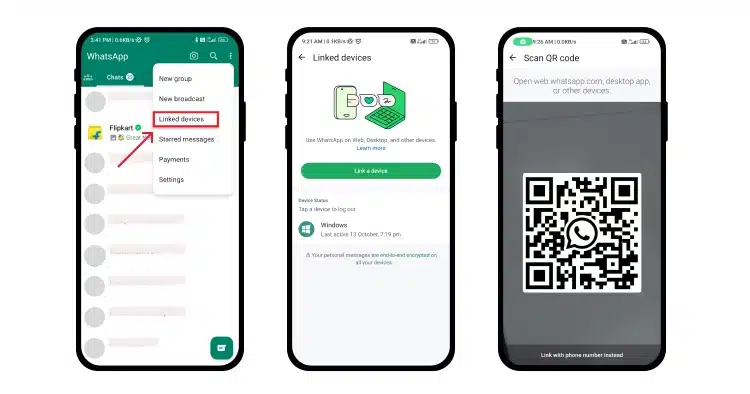
Open the app, scan the QR code with your phone's WhatsApp Linked Devices feature, and connect securely.
The app automatically syncs your WhatsApp chats, highlighting conversations with new messages and media files.

As soon as you open a chat, the unread files in it are automatically downloaded and selected.
If you want to open a file with an application instead of printing it, simply right-click the file and choose 'Open with'.
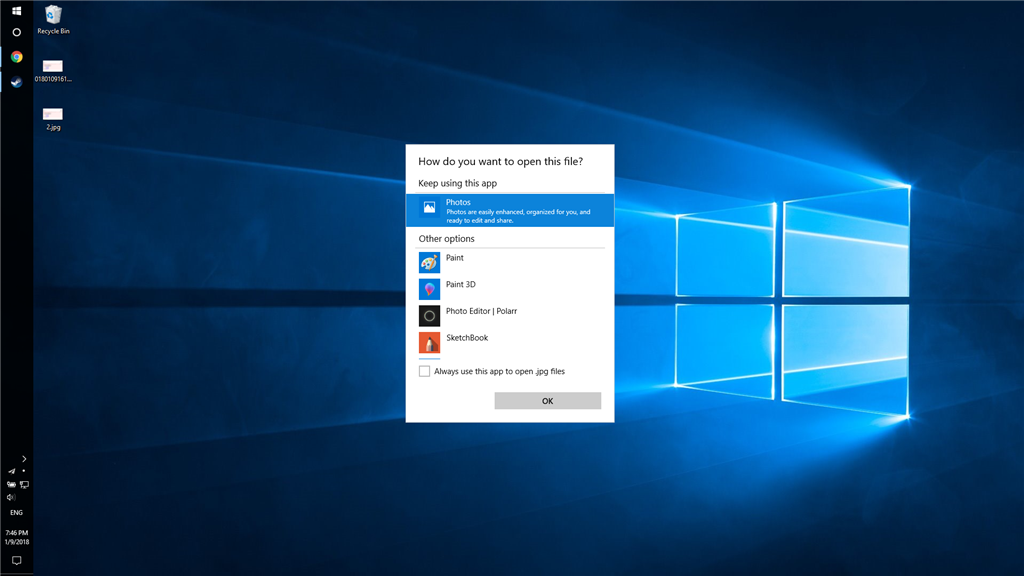
If you want to open only a few files from a chat, you can find them in the file explorer and open them directly without going through the app.
Download the app now and optimize your printing workflow.
7-day free trial · Windows 10/11
Get all core features with one simple annual plan
LKR 4,800per year
Secure payment · Cancel anytime